
*CLOSED*
Serif’s Digital Scrapbook Artist 2 is a great gift idea for busy parents who want to preserve special moments in their family’s life, without having to spend the time or money involved in traditional scrapbooking (or filling up valuable closet space with that growing collection of craft materials!)
About DSA2
Unlike current scrapbook programs on the market, Digital Scrapbook Artist 2 allows users to edit every object on their scrapbook page and perfect their designs to look exactly as they would in a traditional scrapbook. Everything from backgrounds, buttons, ribbons and pieces of fabric look entirely realistic. And the program is so easy to use! In fact, parents could even work on digital photo projects using Digital Scrapbook Artist 2 with their older children, creating quality family time and encouraging creativity.
Digital Scrapbook Artist 2 comes with 5 free digikits:
- Berry Pie
- Dollhouse
- Enchanted
- Indie Chic
- Painted Backyard
You can purchase additional digikits for an average of $4.99 each at daisytrail.com. There is a large selection of both FREE and for-purchase digikits to accommodate all your families interests & memories. As an added bonus, a Daisy Trail Gift Voucher is included with your DSA2 purchase!
I created scrapbook pages using the free Dollhouse theme. Once I figured out how to place my photos & navigate the software, the process was quite simple. I obviously don’t have a creative bone in my body, so I learned that it’s not wise for me to create a page from scratch. My first scrapbook attempt involved me removing all the embellishments from the layout then attempting to add them back in individually. I took the safe route on my second attempt. I left the layout design the same & just added in my pictures. The frames are even pre-designed with lace & bows, so I could just place them over my photo’s for a polished look. Now that’s my kind of scrapbooking!
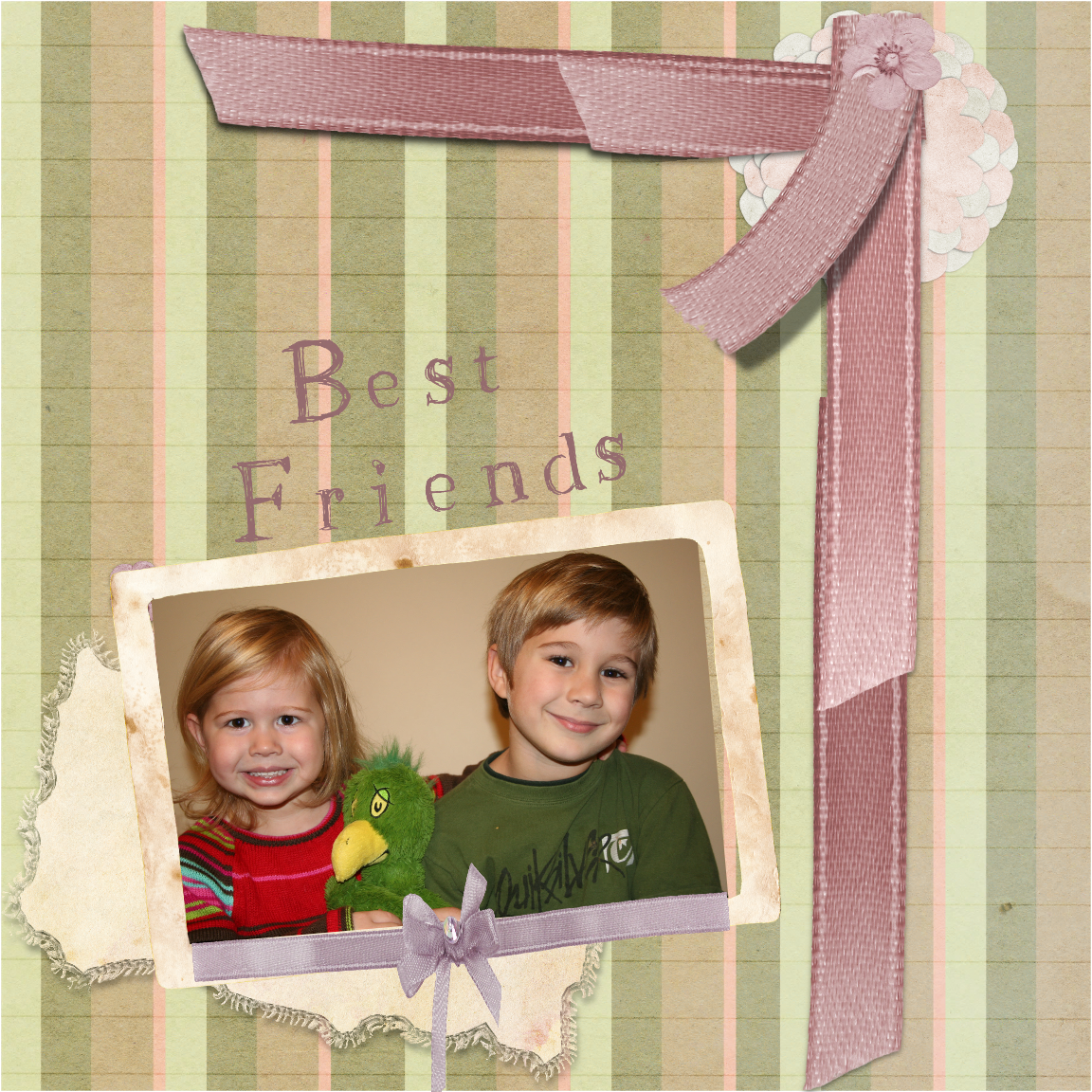
Scrapbook 1
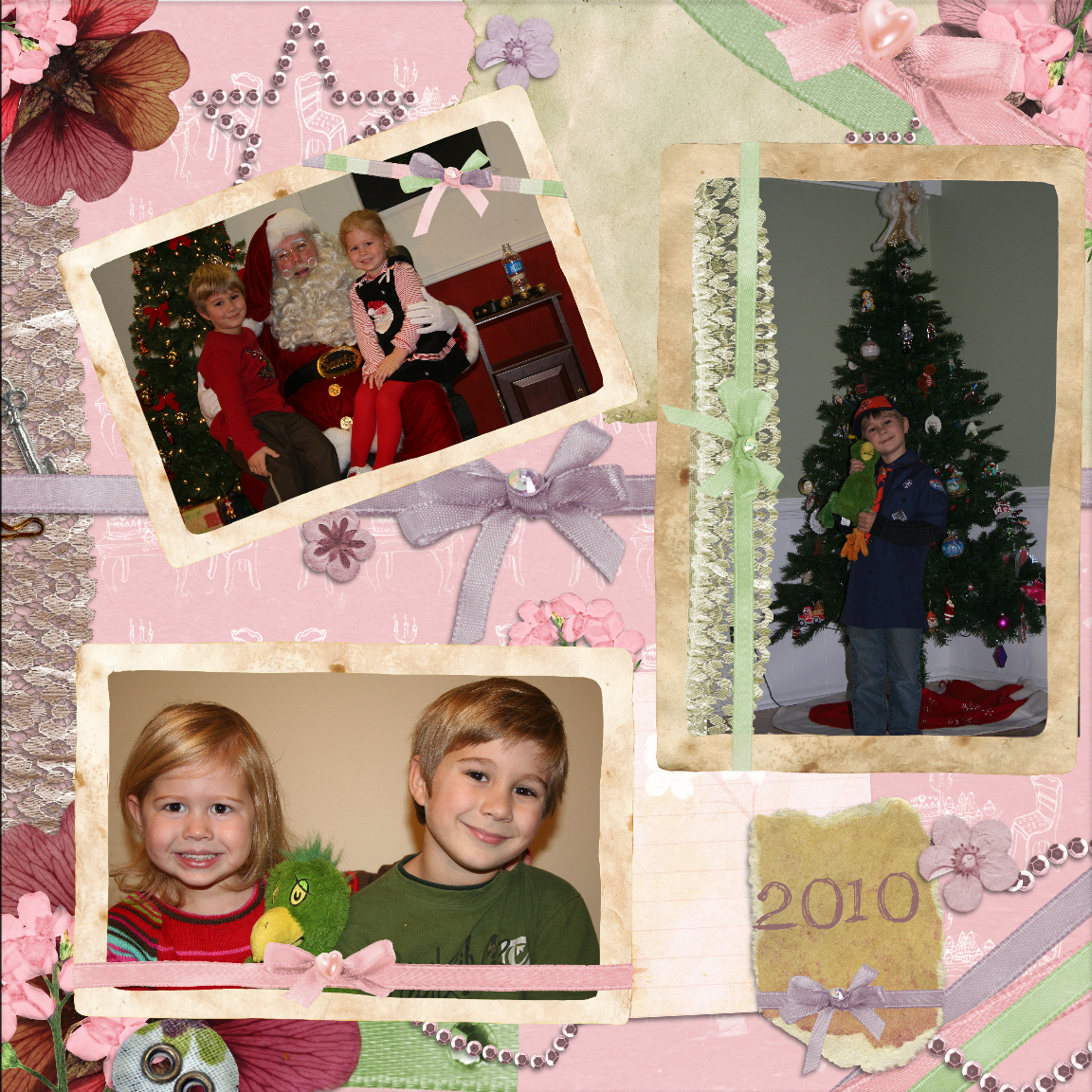
Scrapbook 2
I’ve enjoyed creating memories with my Digital Scrapbook Artist 2. I’m anxious to have some time after the holiday’s to organize my photos & create digital scrapbooks to document my children as they grow. Maybe I can even make a digital wedding scrapbook? I’ve had all the paper materials for a scrapbook sitting in my closet for years. I know for a fact that I spent way more than $4.99 on scrapbooking materials that are just collecting dust in a closet. I could probably even create my scrapbook in an afternoon. PLUS, it would be so much cuter than anything I could design myself! If you’re looking for a unique holiday gift this season, check out the Digital Scrapbook Artist 2 website for an online demonstration to see if the DSA2 is right for you!
Buy it: You can purchase the Digital Scrapbook Artist 2 online for $49.99.
Win it: One lucky winner will win Serif’s Digital Scrapbook Artist 2! You must leave a separate comment on this post for each method of entry. The mandatory entry method must be completed before any extra entries.


I like how I would be able to create my own stencils from any object or embellishment.
I am a fan of The Coupon Challenge on Facebook.
I subscribe to The Coupon Challenge via email feed.
I entered your Reach & Rembrandt Products Giveaway the other day.
Love the image cut out feature!
I like you on facebook
User community at Daisytrail.com
ceis8009 at yahoo dot com
like you on FB
ceis8009 at yahoo dot com
follow by email
ceis8009 at yahoo dot com
entered Kidorable giveaway
ceis8009 at yahoo dot com
shared giveaway on FB
ceis8009 at yahoo dot com
I learned about the image cut feature.
you can make your own stencils — what a wonderful thing
I learned that you can upload designs for free at DaisyTrail!
copperbliss at hotmail dot com
The DSA2 has Digital crafting tools like scissors, stencils and brushes
You can even edit images to get rid of red eye, remove spots and blemishes, adjust colour, change the contrast, and lots more
alwaysatryin2 at gmail.com
I like the editing features.
combine and customise over 70 effects for amazing photos every time. thanks for the chance at this awesome prize.
follow coupon twitter kendra22007
google follow kendra22 🙂
I leaned that you can edit your photos with the software – that eliminates the need to do it elsewhere and then digital scrapbook. Love it!
I love how easy it looks to cut out images!
I learned it will work with my Windows 7 laptop!
I learned that the DSA2 has an improved image cutout studio where you can remove items from their background.
I Follow The Coupon Challenge on Twitter
I Like The Coupon Challenge on Facebook
I subscribed by email feed
I became a Google Follower
I posted a link to the giveaway on my facebook page- Amanda Bollinger
I tweeted about this giveaway @AJBollinger
I entered Gourmet Gift Baskets giveaway
I enetered PlaqueWorks giveaway
I entered Kroger & Chex Cereal Prize Pack Review & Giveaway
The color palette creator helps you create color schemes for your scrapbook!
entered Gourmet Gift Basket giveaway
ceis8009 at yahoo dot com
i learned that you can create your own colors using the color palette creator – that is pretty cool!!
like you on fb as melissa barnes
email subscriber
follow on gfc as darlanpaulsmamma
i entered your –I SPY Spooky Mansion Wii Game giveaway
you can make your own stencils
like you on fb
I learned that I can use design elements from anywhere and incorporate them into my scrapbooks. Love this.
entered chex giveaway
I love the photo effects that it does!
– Follow The Coupon Challenge on Twitter. Leave a comment telling me you follow.
Done! @bambier
– Like The Coupon Challenge on Facebook. Leave a comment telling me you Like.
Done!! 😀
– Subscribe via RSS feed or by email feed (must be verified). Leave a comment letting me know how you subscribe.
I subscribe by email!
– Become a Google Follower on the NEW follower widget (on sidebar). Leave a comment and tell me you’re a google follower. Old gfc stopped updating
Used the new GFC link!
– Blog, post in your facebook status, or tweet about this giveaway. Leave a comment telling me how you’ve spread the word about the Digital Scrapbook Artist 2 Giveaway. (You may choose 1 or all 3 methods)
Facebook Status message left!
I learned that you can use the Image Cutout Studio to remove items from their background or to cut out keepsakes and other items you’ve scanned in. That is SO NEAT!!!
mandy-burkett at sbcglobal dot net
Hi there!
I learned that you can create tags on the different design pieces, so then you can easily group and find the ones you’re looking for later on! 🙂
Thank you! 🙂
[email protected]
P.S. Enter my giveaway if you’d like!
http://averyjamesphotography.blogspot.com/2010/12/giveaway-random-avon-products.html
I like The Coupon Challenge on Facebook!
mandy-burkett at sbcglobal dot net
I’m a brand new email subscriber!
mandy-burkett at sbcglobal dot net
I’m a follower on the NEW Google friends connect.
mandy-burkett at sbcglobal dot net
I like the blending feature… I’m new to any kind of scrapbooking, so I also like to hear that it’s super easy to use! Thanks !
I learned that they have their own online community. crayolaswap at hotmail dot com
I like you on facebook crayolaswap at hotmail dot com
gfc follower crayolaswap at hotmail dot com
I learned that it is real easy to use, it has many helpful tools and new and improved things like making your photo a weather beaten look. All of this is new to me but i’d love to have it to make books for my daughter
Thanks Nicole
I like you on Facebook
Nicole Hatch
I learned that you can remove items from their background or to cut out keepsakes and other items you’ve scanned in using the DSA2. Very cool! 🙂
I follow The Coupon Challenge on Twitter as @FreebieFairy
I Like The Coupon Challenge on Facebook
Subscribed to your blog via email feed (verified)
Became a Google Follower on the NEW follower widget
Entry # 1
Grabbed your Dear Santa Event button; it is pasted here:
http://www.freebiefairy.blogspot.com
Entry # 2
Grabbed your Dear Santa Event button; it is pasted here:
http://www.freebiefairy.blogspot.com
Entry # 3
Grabbed your Dear Santa Event button; it is pasted here:
http://www.freebiefairy.blogspot.com
Entry # 4
Grabbed your Dear Santa Event button; it is pasted here:
http://www.freebiefairy.blogspot.com
Entry # 5
Grabbed your Dear Santa Event button; it is pasted here:
http://www.freebiefairy.blogspot.com
Entry # 6
Grabbed your Dear Santa Event button; it is pasted here:
http://www.freebiefairy.blogspot.com
Entry # 7
Grabbed your Dear Santa Event button; it is pasted here:
http://www.freebiefairy.blogspot.com
Entry # 8
Grabbed your Dear Santa Event button; it is pasted here:
http://www.freebiefairy.blogspot.com
Entry # 9
Grabbed your Dear Santa Event button; it is pasted here:
http://www.freebiefairy.blogspot.com
Entry # 10
Grabbed your Dear Santa Event button; it is pasted here:
http://www.freebiefairy.blogspot.com
i learned they have digital scrapping tools like sizzors, brushes etc. neat
im following via rss feed
I found out the cutout feature I really like it, and I also really liked filter effects I like how the word love looks in the example thanks for the chance to win [email protected]
I follow you on twitter @mrstinareynolds
I am a facebook fan (mrstinareynolds
I subscribe thanks [email protected]
i follow on gfc
You can blend your photos and use stencils. This sounds fun!
I now follow you on Twitter. @longwait4bella is my username.
I already “like” you on Facebook. That is how I saw this was ending in 30 minutes 🙂